What SiteKeeper does
SiteKeeper is a Chrome extension that automatically records how many minutes you spend on each website, with daily and weekly reports you can review. You can set a daily time limit for any site, such as 30 minutes of YouTube, and SiteKeeper blocks the site once the limit is used up. You can also block distracting sites during scheduled hours, for example during the work day or before bed. Free tools on this site estimate how much time and money distracting browsing costs you each year.
The Free plan includes automatic tracking and daily limits. Pro costs $4.99 per month or $24.99 per year, and Lifetime is a one-time $29.99. Questions: support@sitekeeper.tech.
You spend 6+ hours a day online.
Do you know where it goes?
SiteKeeper tracks every minute across your tabs, blocks distracting sites when you hit your limit, and shows you exactly where the hours went. Free Chrome extension — installs in 10 seconds.

Four tools, one extension
Track time automatically, block distracting sites, analyze by URL path, and get a daily productivity score—all without leaving your browser.
Time Tracking
Automatic, second-by-second tracking on every tab. See daily, weekly, and monthly breakdowns with zero setup.
Smart Blocking
Give yourself 30 minutes on Twitter per day. When the cap is hit, the site stays blocked until it resets unless you add time.
Path Analysis
Separate github.com/your-repo from github.com/explore. Know exactly which pages eat your time on any site.
Deep Analytics
A 0–100 productivity score, weekly trend charts, and CSV export. See your progress, not just your data.
Guides, free tools, and comparisons
How to cap one site, what a daily minute guess adds up to, and how other blockers and time trackers differ.
- How-to guides
Step-by-step ways to block or limit one site on Chrome, including options without an extension.
- Free tools
Calculators for hours per year and the dollar cost of the minutes you type in. No install.
- Compare alternatives
RescueTime, StayFocusd, BlockSite, LeechBlock NG, and Cold Turkey next to SiteKeeper.
- Pricing
What stays free, and what Pro and Lifetime add.
Your day, in one click
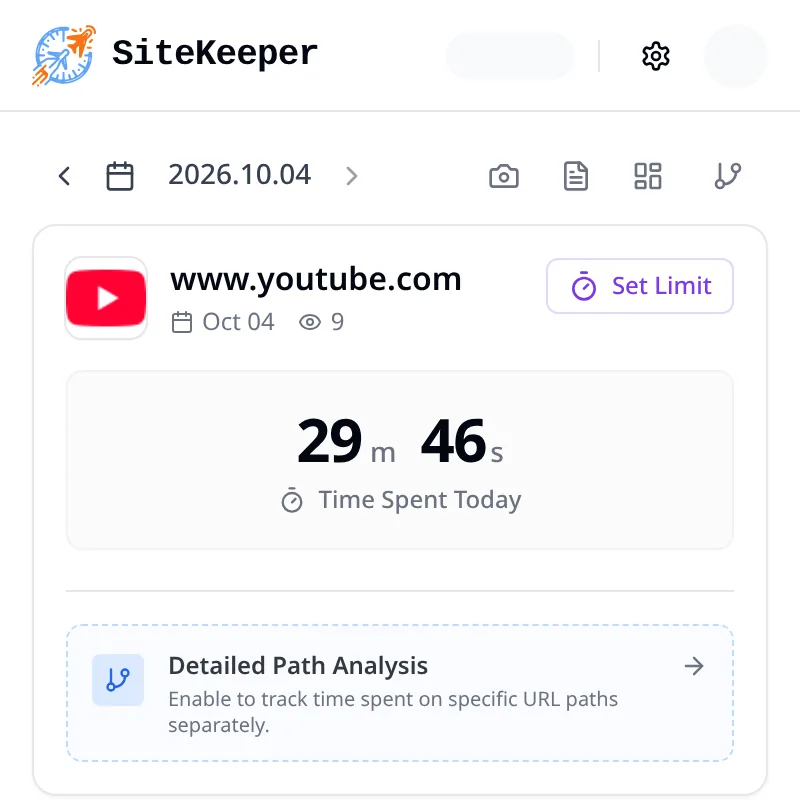
Open the popup to see today's time, top sites, and limit progress. Set limits, tag sites, and turn on path analysis — all from the same place.

github.com
Path Analysis
Website Time Stat
Website usage for January 27, 2026
Daily Usage Details


Enable to track time spent on specific URL paths separately.
Stop doom-scrolling,
start doing.
Set Daily Limits
Allocate 30 minutes for social media. The site stays blocked until the cap resets unless you add time.
Time Windows
Set a stricter budget for work hours, such as Mon–Fri 9–5. The daily cap still applies.
Privacy First
We don't sell your data or share it with third parties. Your browsing habits stay under your control.
Detailed usage statistics for specific paths
Assign a category to group this website
When time's up, we've got you
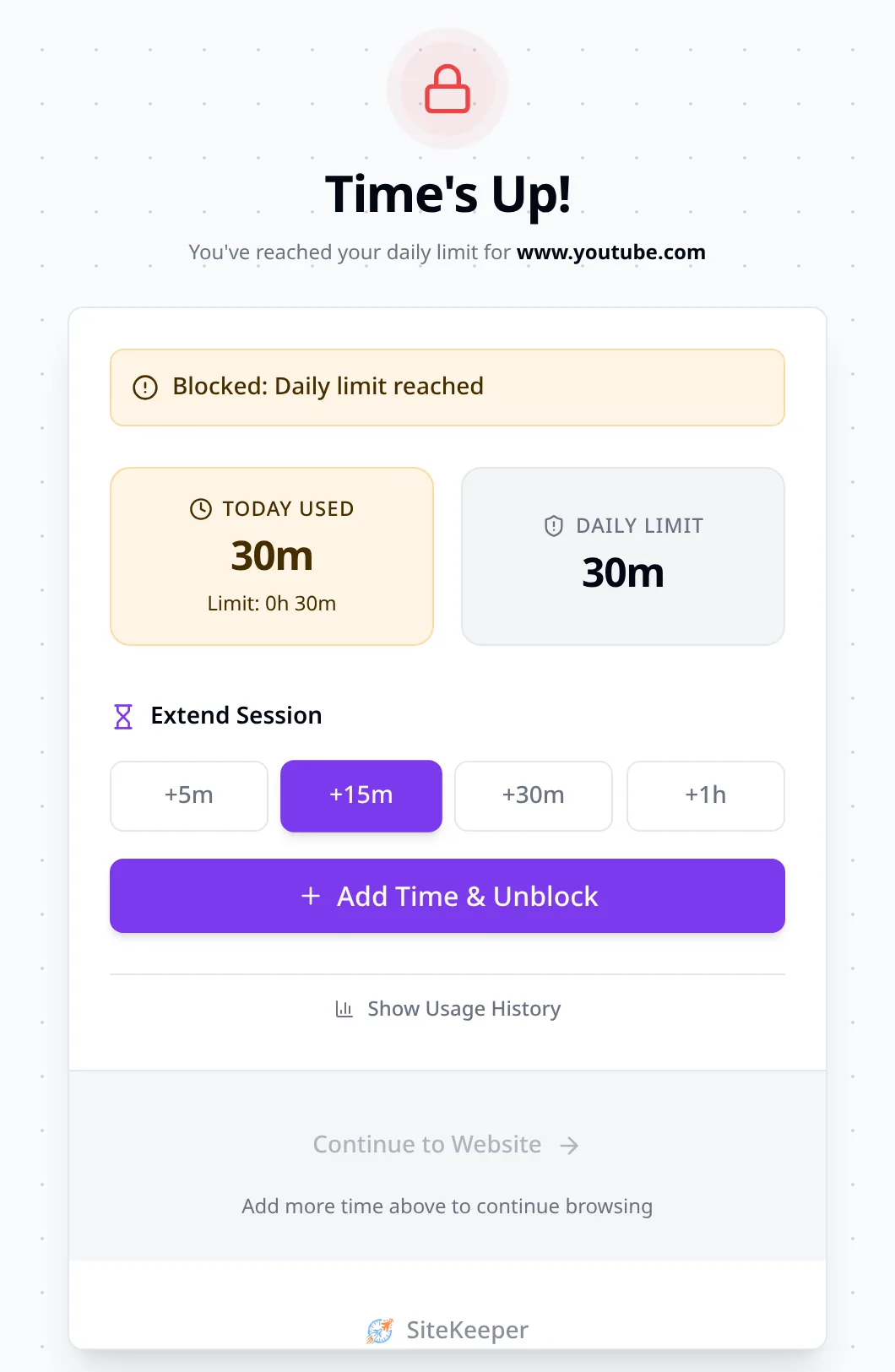
A clear blocked page shows time spent versus your limit. The site stays blocked until the cap resets unless you add time.
Time's Up!
You've reached your daily limit for youtube.com
Frequently Asked Questions
You'll see where your time goes in under a minute
Install SiteKeeper, open the popup, and see your first usage report today. Free forever for core features. No credit card, no signup required.
Add to Chrome — Free